True luxury is being able to decide where you work in your home or office.
A view for inspiration, a quiet corner for total focus, or somewhere to pace while you think… Your preference may change at any given moment.
But it’s hard to respond to those shifting needs if you’re chained to a traditional desk.
A typical working day: How my workspace changes over time
I am a morning person. I do my most focused work first thing, so I like sitting down in my study with no distractions or background noise.
After a couple of hours, this can feel overwhelming, so I often schedule in phone calls where I pace as I talk, go for a walk for inspiration, or stand up and move around sorting and organising.
In the afternoon, I lock in again attending meetings or leading training courses, accountability groups or webinars from my desk, or strategising in the living room.
For me, this represents a productive day. It’s also interesting to see how much I change how and where I work over the day.
The problem with traditional desk setups
Of course, none of that freedom of movement would be possible with a traditional sit-down desk. You can’t pack up and pick up every time the mood strikes you to relocate.
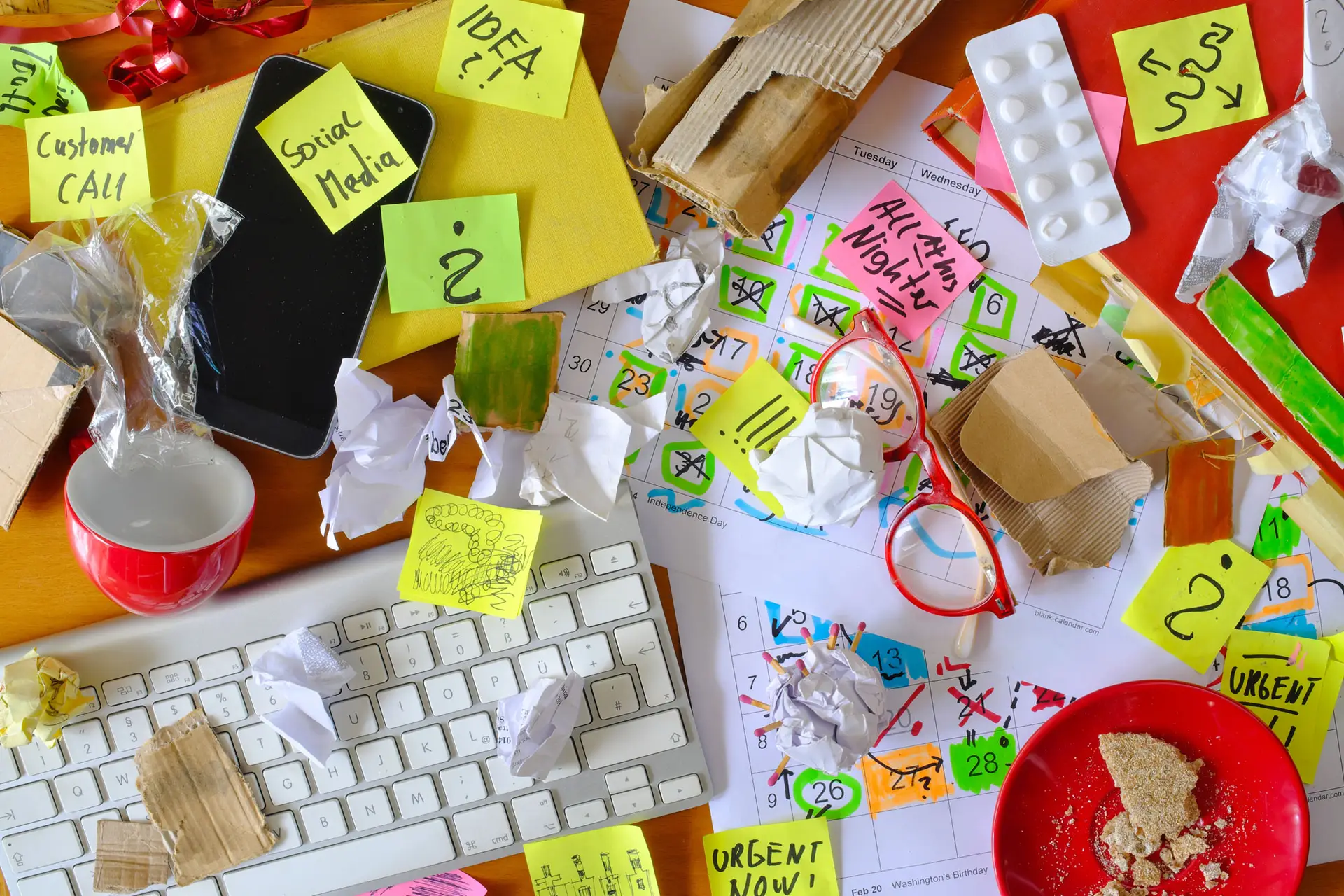
I also struggle to focus when I’m surrounded by empty cups, piles of notebooks, folders and desk décor. I need clean lines and clear spaces to attempt my best work.
It might feel like the first step to breaking free from a traditional desk setup and embracing a folding sit-stand Leandesk is to declutter.
But I feel the real priority is to digitise.
The more things you can do on your computer, laptop or tablet, the less you need a fixed desk to house your physical ‘stuff’.
Start by analysing your current desk setup. What items on there take up the most amount of room?
Reducing paper clutter: Notebooks, journals and files
We tend to cling on to notebooks, journals and folders ‘just in case’. But how frequently do you refer to them? If it’s anything less than monthly, you can safely put them into physical storage. Better yet, scan the most important pages and store them to the cloud, where you can access them any time from any device. Any notebooks you no longer want or need should be shredded prior to recycling to protect confidentiality.
Going forward, if you like the experience of reading and writing on paper, but you don’t want to keep adding physical notebooks to your desk, then consider investing in a digital notebook. Products such as the reMarkable (my choice), Kindle Scribe, Supernote and Rocketbook are proving popular and the screen is specially designed to give you a paper-like feel whilst writing. I use mine to write, sketch and review documents which I can save in the cloud, convert into text and share if I want to. They help keep your desk free from paper and sticky note clutter, and there’s the added benefit of having everything backed up (even if you lose it, you still have your precious notes).
Storing important documents safely in the UK
I must confess that I do love a box file for storing important ‘bits’ but, again, how many of the items we keep in such filing systems are genuinely needed? Unless it’s your passport, birth certificate, marriage licence or other such essentials, are you holding on to things out of habit and nostalgia versus practical need?
I try to convert physical documents into digital files that can be stored in the cloud wherever possible. If there are things you simply cannot part with, then the likelihood is they do not need to be kept on your desk. They can go on a bookcase, in a filing cabinet or in a purpose-made archive storage box to be stored in a loft or basement.
A word of caution, however… Paper files are vulnerable to fires and floods, and can become mouldy if kept in damp or humid places. Digital is always your best, safest option providing you back up correctly.
Why home scanners and printers do not belong on your desk
My scanner and printer are still invaluable tools and I use them all the time! But they don’t have a permanent home on my desk. I keep them elsewhere in my office and connect to them using Wi-Fi (it’s a good excuse to stand up and take a screen break).
If space is at an absolute premium and these devices must be eliminated, scanning apps are available for both android smartphones and iPhones – offering advanced features such as text recognition, PDF conversion and cloud integration.
For larger printing jobs, I outsource to printing companies that will print and post your documents back to you. With sufficient planning, this is a viable option that also encourages intentional thought about the printing choices you make.
Moving to a fully digital desk setup: What is cloud storage and how does it work?
So, now you have made some big decisions about what physical items to keep on your desk, let’s look at the technical side of digitising.
I’ve mentioned the cloud several times because it’s the key to being able to work in different rooms, on different devices, without being tied to a fixed desk. Instead of storing your files on one computer, the cloud lets you access them over the internet (just remember to choose one cloud provider to avoid compatibility issues).
Does it give you the ick to think of handing over your files to big data companies? Totally understandable, but let’s face it: You are probably already doing it. If you’ve ever dropped your phone down the loo, panicked about losing all your photos and contacts, then breathed a huge sigh of relief when everything reappeared on your replacement device, it’s the automatic cloud backup that saved the day.
For an extra layer of security, invest in an external hard drive to back up truly essential documents.
Creating a digital filing system that works
Once you have committed to a cloud provider, the next step is to set up a filing system that works for you. Create some rules about how you name your individual files and folders to make it easy to organise and find them.
Take a consistent approach to naming files so you know straight away what it is, what’s inside and when or where it was created. Project names, topics, dates and authors are all useful file-naming conventions, and be sure to avoid anything abstract or unprofessional – especially if you need to share said files with other people.
For now, data storage is relatively cheap. But the world is waking up to the running costs – both financial and environmental – of large-scale data centres, which require enormous energy resources. These costs will likely be passed on to users in the future, so get ahead by setting a monthly reminder to delete old files and emails, update apps and cancel any unwanted subscriptions.
Protecting your digital workspace
A final word… Digitising your desk life without installing protection and a password management system is like leaving your front door wide open. Anything you connect to Wi-Fi – even a smart doorbell – can be a way in, so take your cyber security seriously.
Working anywhere with the folding sit-stand Leandesk
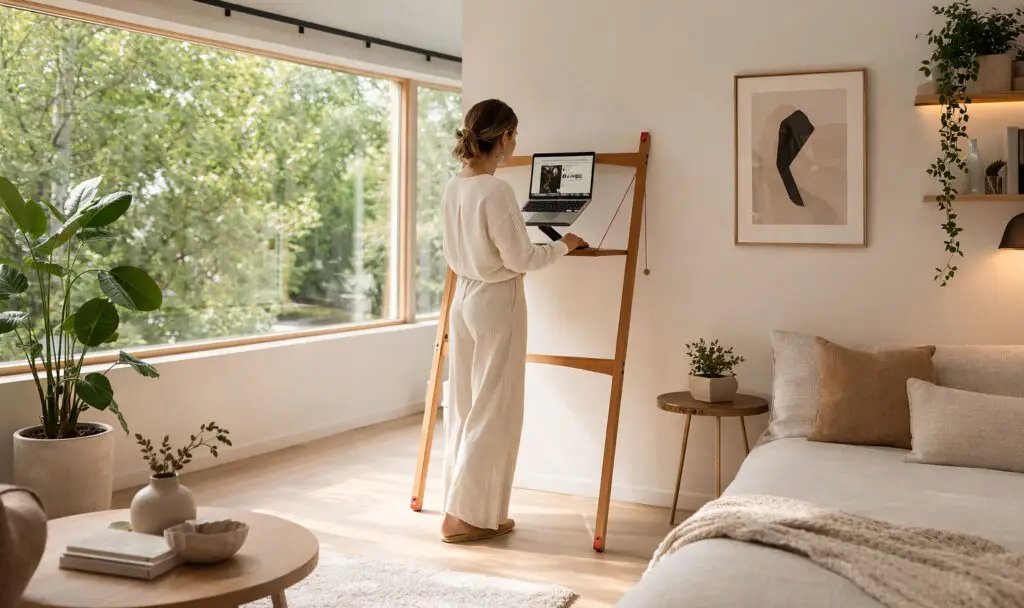
Now that you have let go of your physical notebooks and folders; said goodbye to your printer and scanner from your desk; embraced the cloud; set up your filing system; and invested in cyber protection, you’re truly ready to work anywhere with the folding sit-stand Leandesk.
With its clean lines and minimal form, it would be a shame to hide the Leandesk’s beauty with the layer of detritus that somehow accumulates over the working day. Each time you relocate, clear away all but the essentials first – adding in a simple 4-4-4-4 box breathing exercise to mindfully pause before the transition.
Often, we become anchored in a single workspace by habit and the physical clutter we are burdened by. If you truly want to lock in for 2026, declutter, digitise and embrace the Leandesk as the tool that turns any space into a workspace.

Sammy Ryan is a former Board Member of the Association of Professional Declutterers & Organisers (APDO). She is also an organising coach and an exceptional connector.
Since founding Strictly Organised in 2010, she has walked into chaos and restored order across the UK – empowering people in their homes and businesses to review, reinvent and reconnect with their lives.